Define the Ability
Start with the core idea. Include the ability type, elemental theme, weapon, creature, or status effect you want the icon to represent.
Build clear, game-ready skill icons for spells, passives, weapon techniques, status effects, and character abilities. Describe the action, choose an art direction, and generate concepts for RPGs, MOBAs, strategy games, tabletop projects, and UI mockups.
Curated Starting Points
Open a Template to reuse its prompt and visual direction.
Turn a rough skill idea into a clean, readable icon in three simple steps.
Start with the core idea. Include the ability type, elemental theme, weapon, creature, or status effect you want the icon to represent.
Choose a visual style that fits your game's world, whether it's a fantasy RPG, sci-fi adventure, roguelike, or strategy title.
Review different icon concepts, adjust key details, and refine the design until it feels right for your game's interface.
SkillGlyph Forge helps developers explore icon directions for combat systems, character abilities, and status effects without starting from scratch.
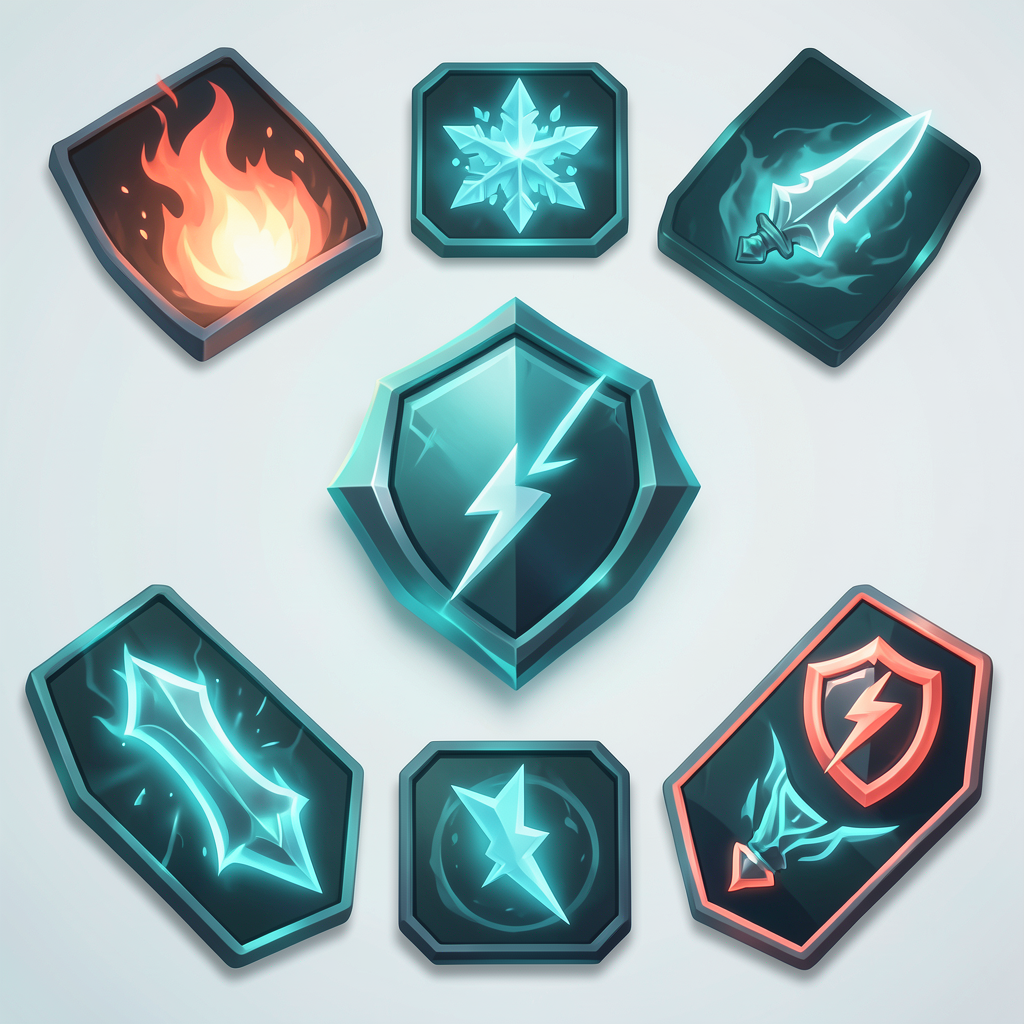
Explore icon ideas for elemental spells, weapon techniques, summons, passive traits, buffs, debuffs, and other gameplay mechanics commonly found in modern games.
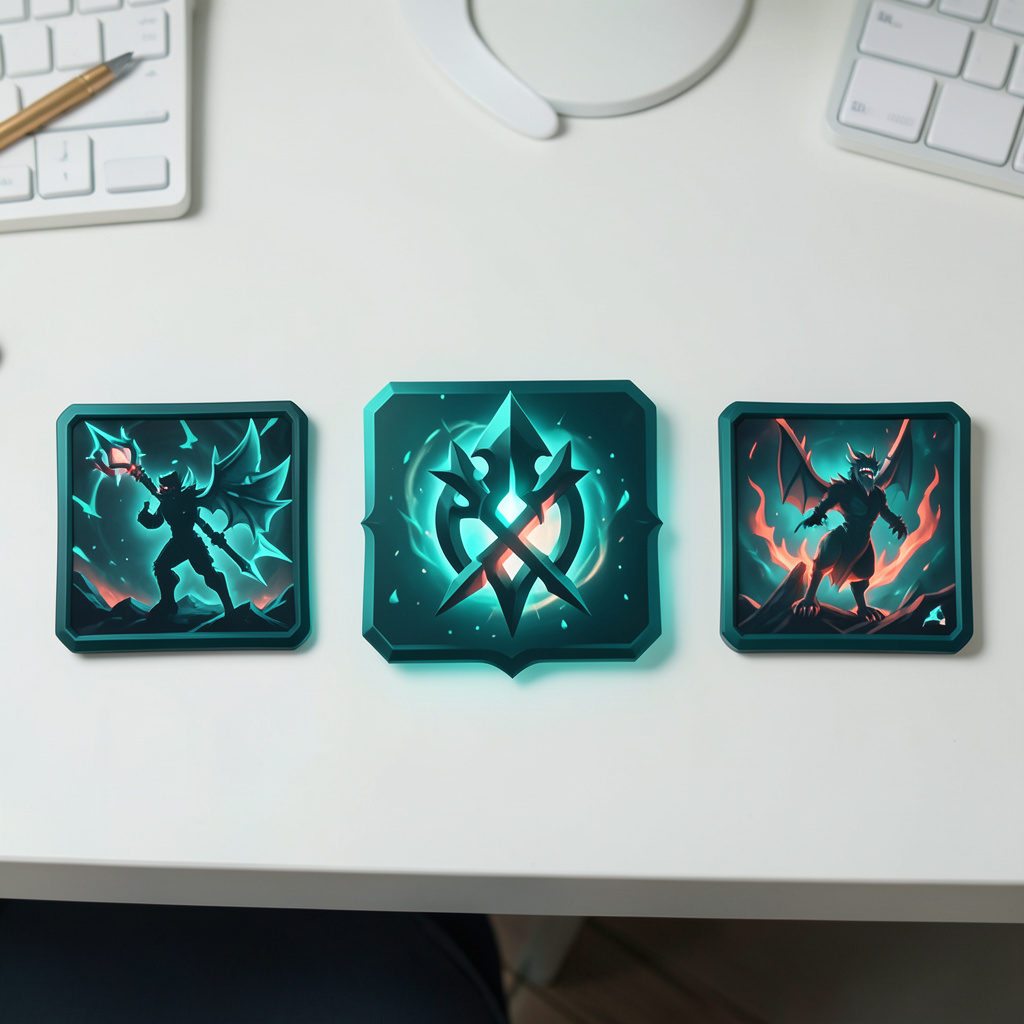
Switch between visual directions inspired by fantasy adventures, sci-fi settings, roguelikes, strategy games, and stylized indie projects.
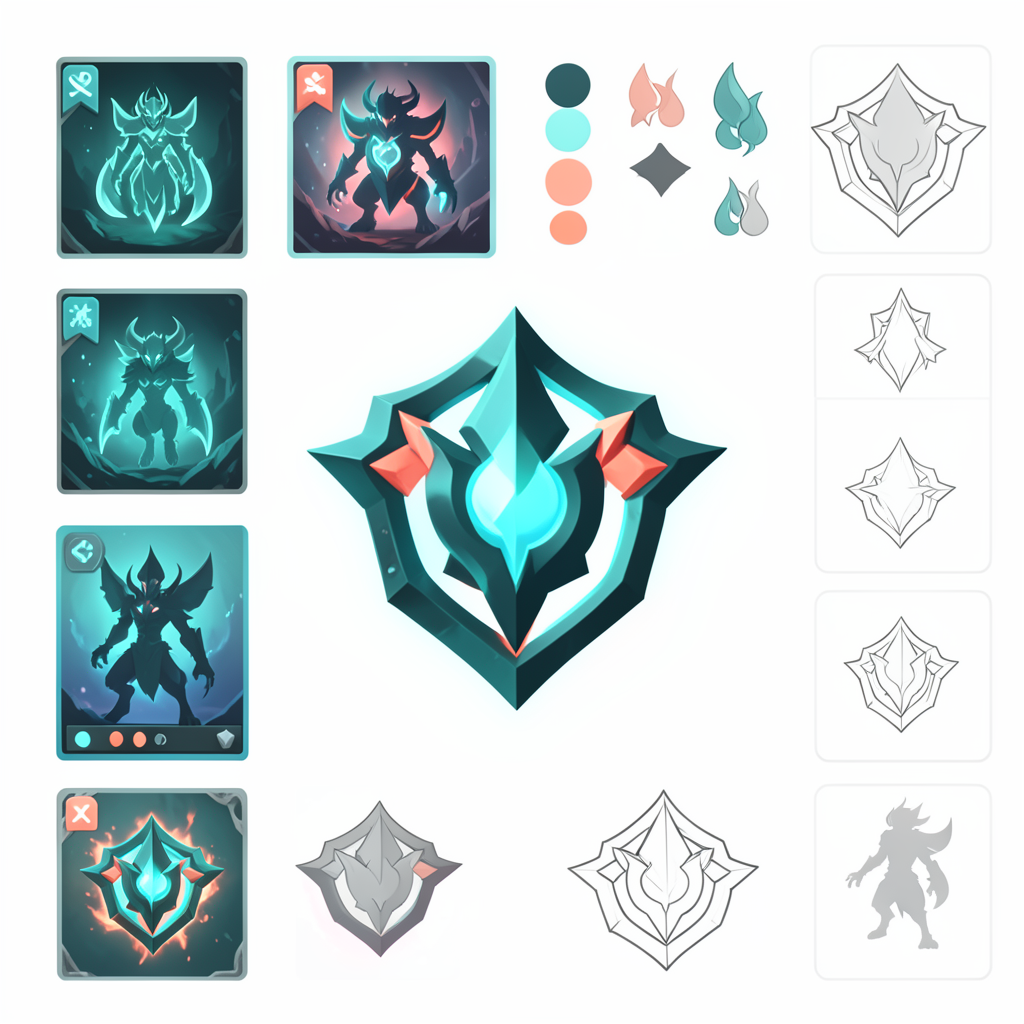
Build icons that remain recognizable in hotbars, inventories, talent trees, and heads-up displays, even when viewed at smaller resolutions.
The best prompts focus on one clear idea. Mention the ability itself, its visual theme, and a few defining details—such as fire, lightning, steel, poison, or shadow. In most cases, simpler prompts lead to cleaner, more readable icons.
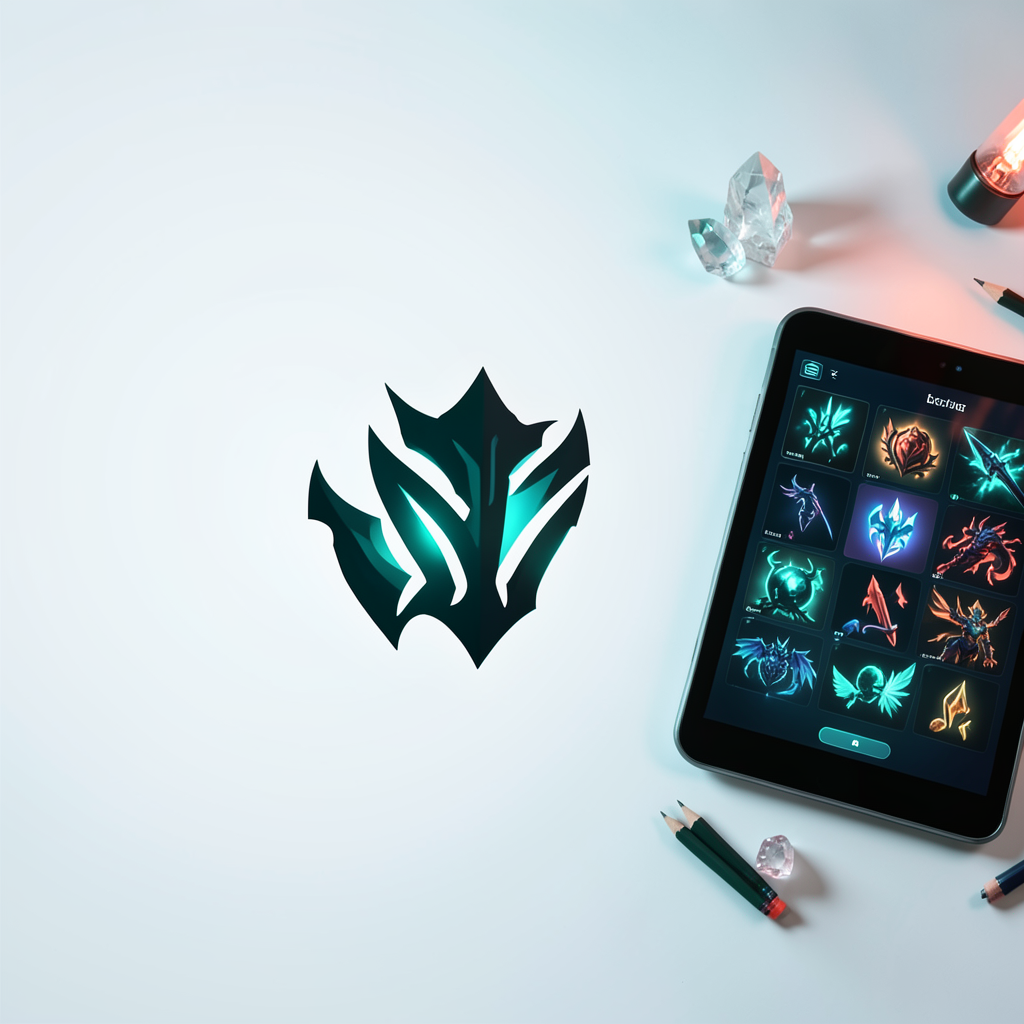
From ability menus to action bars, SkillGlyph Forge helps you explore visual ideas for spells, status effects, and combat systems across every stage of development.
Open SkillGlyph Studio